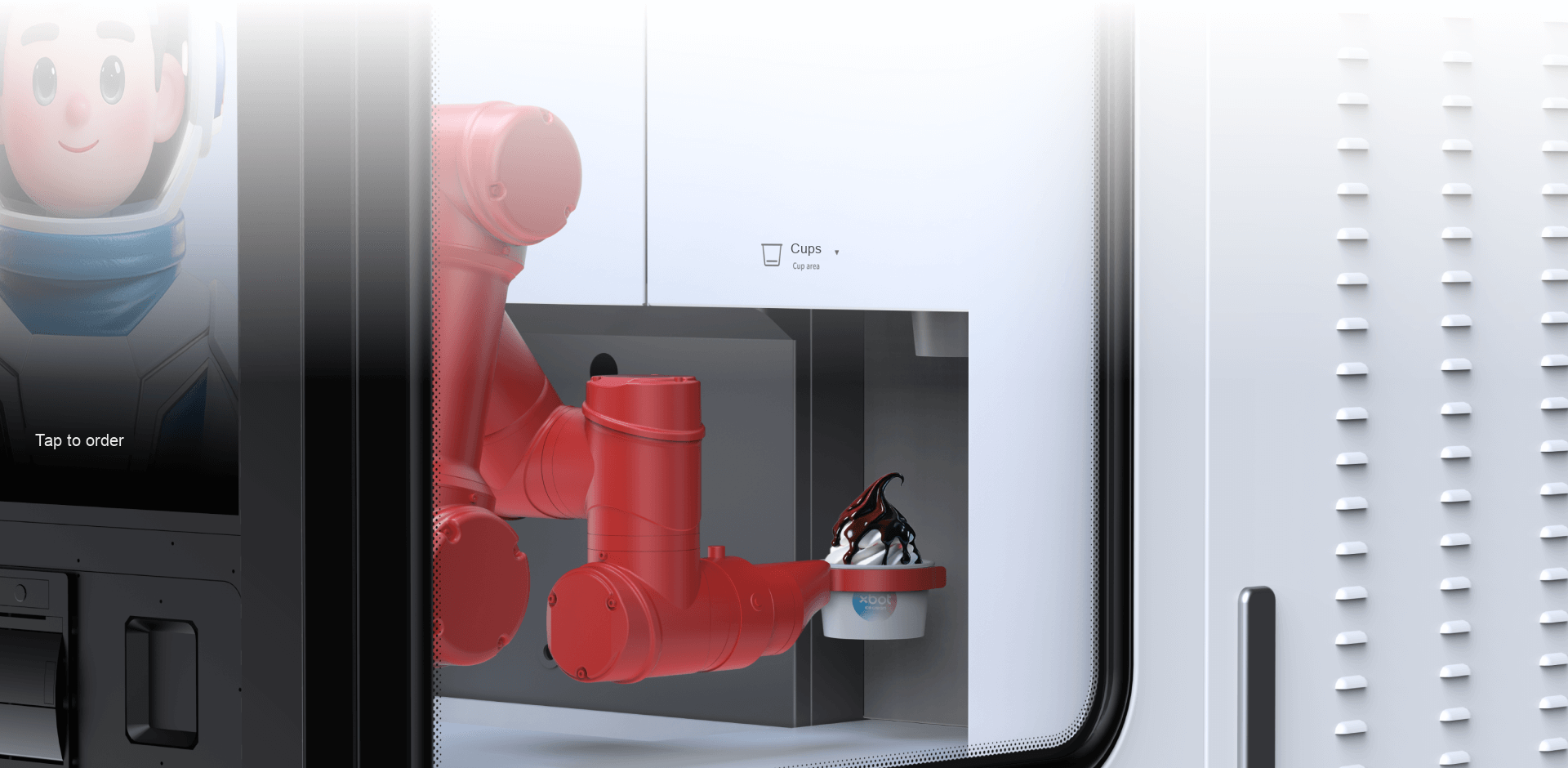
Cup storage beside the arm
The illustrated cup-storage area sits beside the serving arm. Keep replenishment and cleaning access in the operating plan.

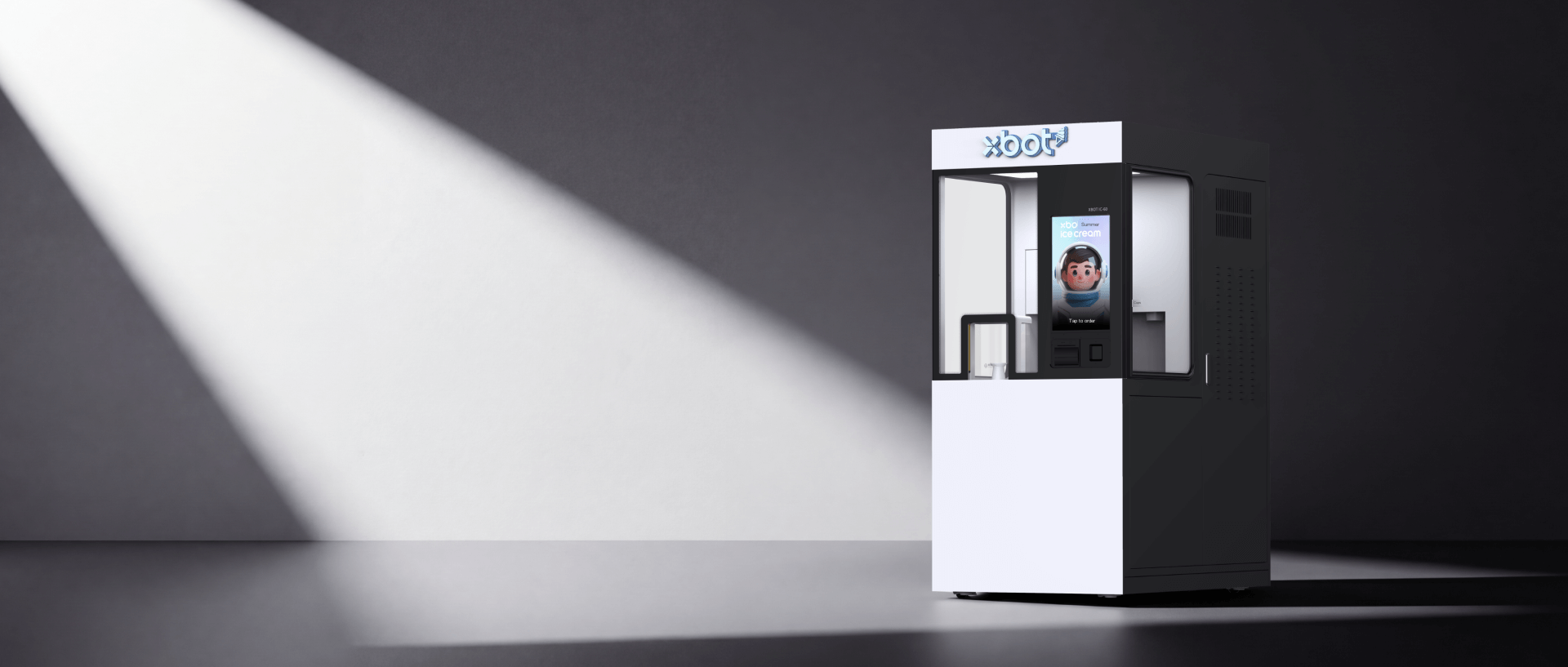
Robotic soft-serve preparation, an interactive ordering experience and options to bring your brand into the serving moment.
Explore the detailsA six-axis arm handles the serving sequence, working with temperature-controlled soft-serve equipment. Customers can follow the process through the display area.


Choose the base product and serving format, then discuss finishing options. The manufacturer lists a four-channel sauce system as an optional add-on.
Custom screen characters and exterior graphics can align the experience with your venue. Confirm content, languages and option costs in the configuration.
The illustrated cup-storage area sits beside the serving arm. Keep replenishment and cleaning access in the operating plan.
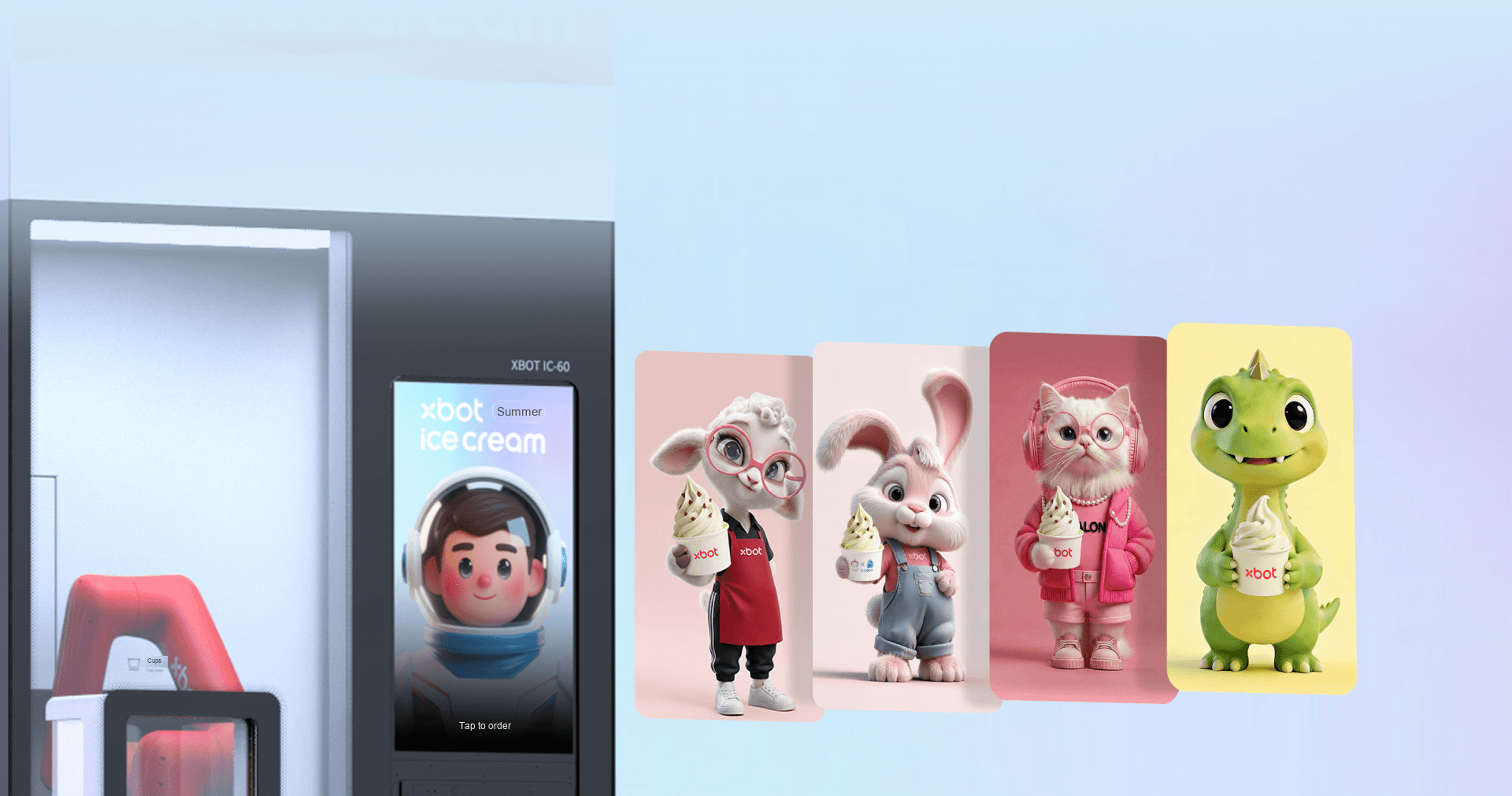
Touchscreen ordering and an optional customised digital character bring menu selection to the front of the station. Review the proposed language and payment experience in a demonstration.
| Equipment | Manufacturer-listed reference |
|---|---|
| Body dimensions | 1530 × 913 × 2000 mm |
| Weight | Approximately 450 kg |
| Power supply | 220 V AC, 16 A |
| Rated power | 3,450 W |
| Ambient operating temperature | 10–32°C |
| Robotic mechanism | Six-axis arm |
| Sauce delivery | Four-channel system available as an optional add-on |
Body dimensions are not the required installation envelope. Reserve access for filling, cleaning and maintenance using the final equipment layout; the manufacturer’s published overall space and side-clearance figures need clarification.
Ingredient supply and storage, food-handling routine, cleaning, replenishment, local power, payment integration and service ownership. Confirm local requirements before fixing the equipment package.
Equipment specifications, optional sauce channels, digital screen and branded finishes.
Open the I3 referenceManufacturer video introduction to setup, replenishment, daily operation and shutdown. Use the supplied unit’s manual for the final operating procedure.
Watch the I3 tutorialShare the venue, dessert menu and available space. Include your destination, operating hours and local support arrangements.
Image notes: XBOT I3 · manufacturer demonstration; Manufacturer I3 reference imagery with illustrative English labels; screen artwork illustrates the digital-character options.