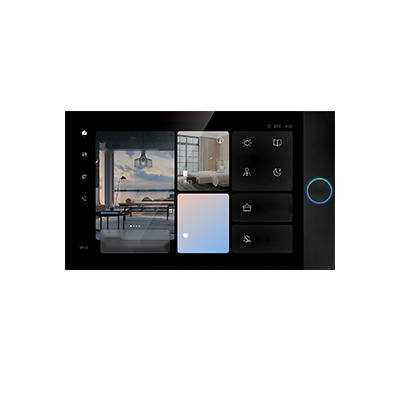
U Pad Max
Touch and voice interaction for room controls and guest services. Review the language and service package for the chosen version.
- 1024 × 600 IPS touch display
- Linux platform; 2.4 GHz Wi-Fi
- 100 Mbps Ethernet; four-microphone array

Touchscreens, switches and controllers for lighting, curtains and climate.
See room-control productsU Pad MaxTouch & voice interface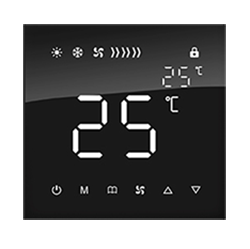 Temperature panelClimate controls
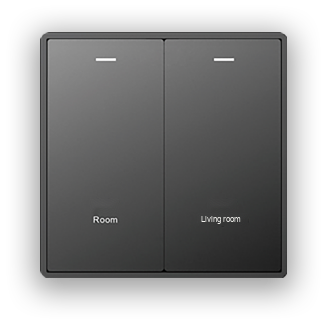 Lighting panelPhysical switches
Manufacturer product images · English labels adapted for illustration
Touch and voice interaction for room controls and guest services. Review the language and service package for the chosen version.
A dedicated climate interface with a clear temperature display. Select its control hardware around the property's HVAC system.
Enquire about this panelPhysical switches for everyday room control. Define the button layout, labels and controlled circuits for each room type.
Enquire about this panel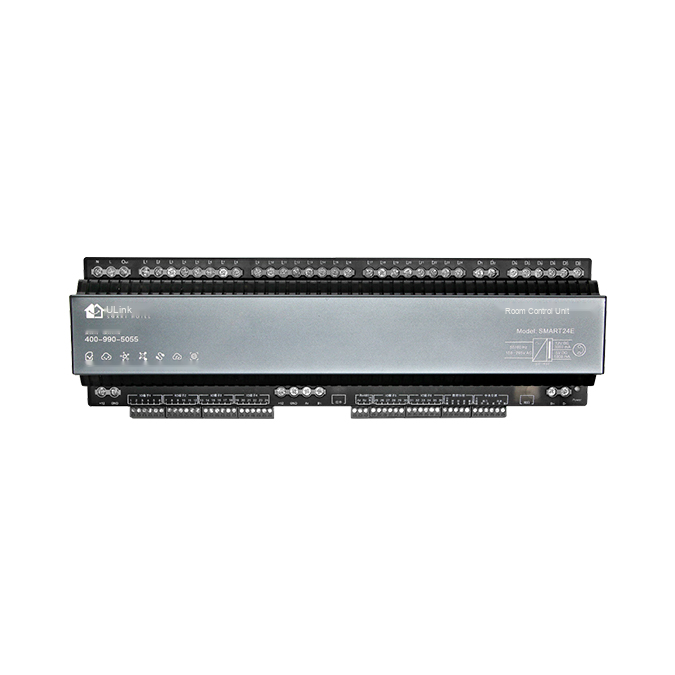
A low-voltage room-control unit in the manufacturer catalogue. Its device role is local and remote coordination of room equipment through the hotel’s selected control architecture.
The linked control-unit reference lists ZigBee HA. Confirm the exact controller revision and circuit schedule for the project.
Enquire about this product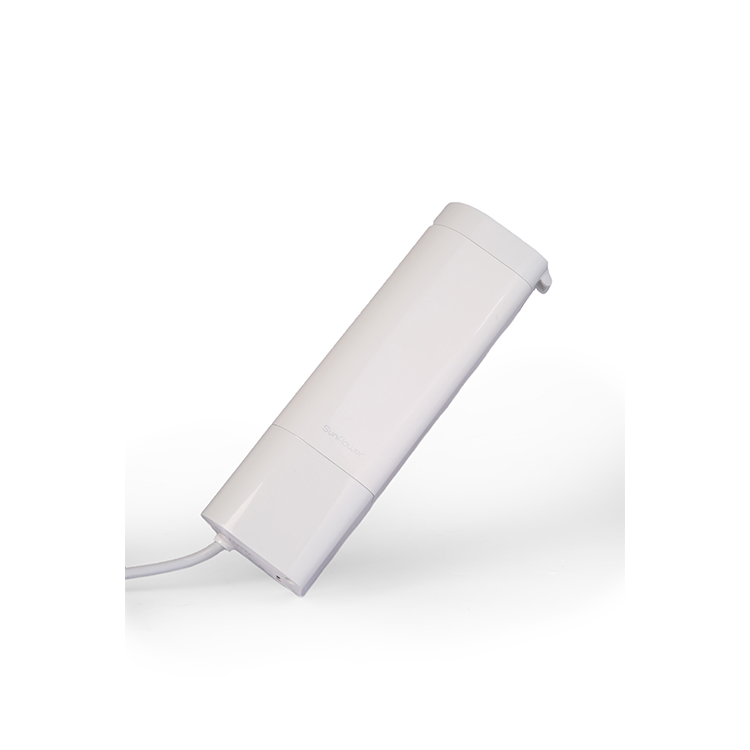
Combine the motor, track and curtain-control interface for coordinated opening and closing. The manufacturer describes protective stopping when resistance is detected.
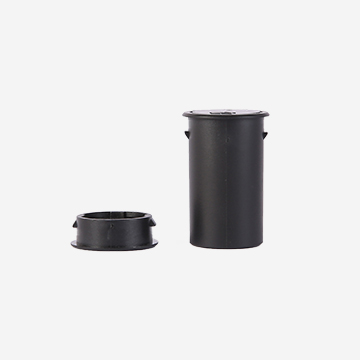
A two-part magnetic sensor reports door state to the room system. Combine it with occupancy sensing and agreed room logic when planning unoccupied-room actions.
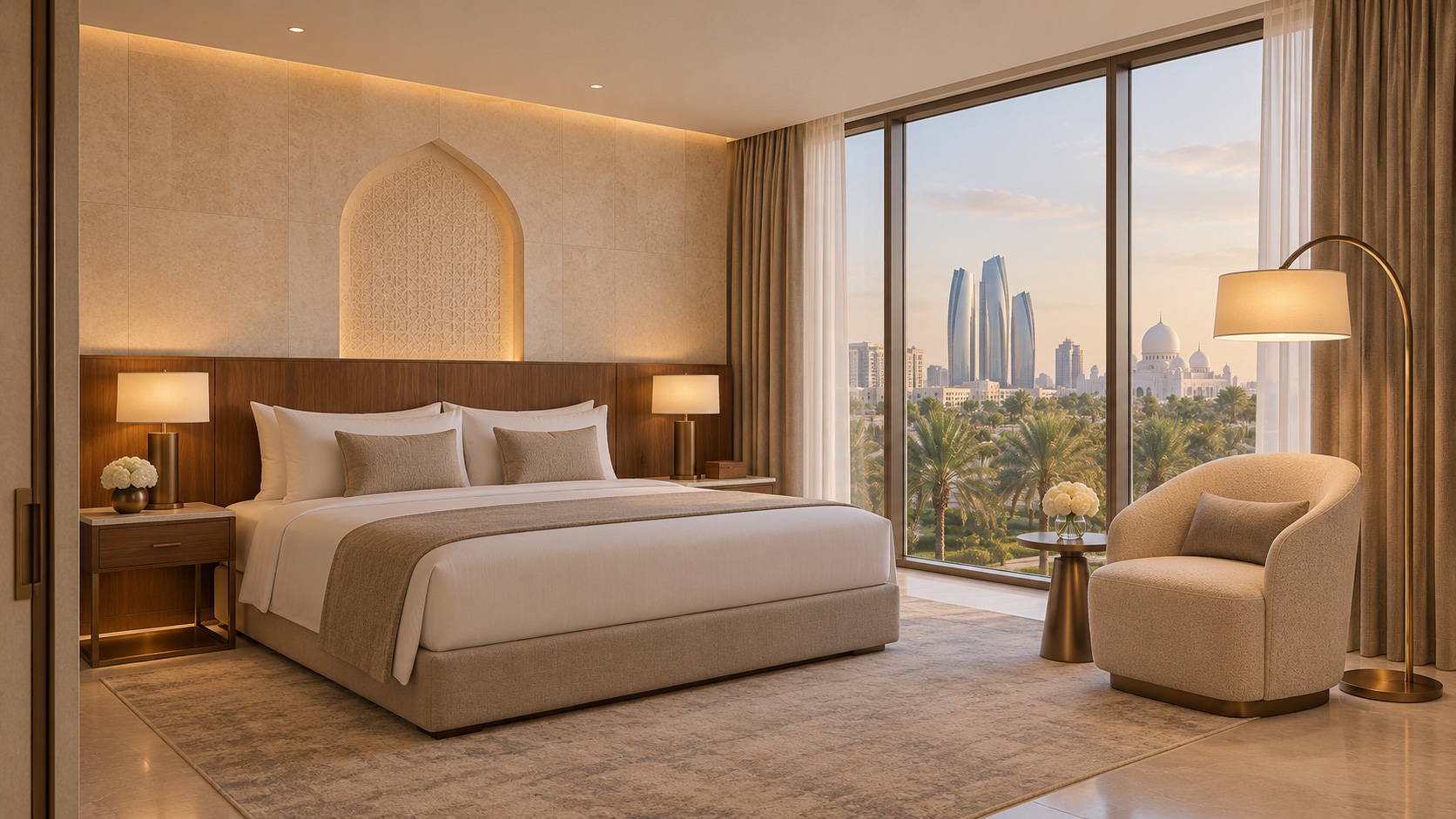
Bring selected lighting, curtain and temperature settings together in a reading scene.
Swipe the table on smaller screens.
| Device | Role in the system | Manufacturer-listed interfaces |
|---|---|---|
| U Pad Max | Guest touch and voice interface with integrated control functions | USB, Newbee, ZigBee, Bluetooth Mesh, RS-485; X-Mesh / X-Link families |
| GSH-3000F gateway | Links compatible room devices with local or cloud management | ZigBee HA; 2.4 GHz radio; 250 kbps |
| Smart24E / control-unit family | Room equipment coordination behind the guest controls | ZigBee HA in the linked low-voltage controller reference |
These are manufacturer product references, not a combined bill of materials. The selected architecture determines which controller or gateway is needed; do not assume every item is required in every room.
Evaluate a wireless room-control approach for the property. Existing wiring and the selected device schedule shape deployment.
A wired solution family for coordinated room equipment. Review control hardware, gateways and wiring as one design.
Test the guest controls, scene logic and operating exceptions in a sample room before agreeing the wider schedule.
Use the room drawing to list guest interfaces, lighting circuits, HVAC controls, curtain drives, door or occupancy inputs, and the chosen controller or gateway. Add network and management connections, then verify the intended scenes in one room. Quantities come from the room design, not a fixed package.
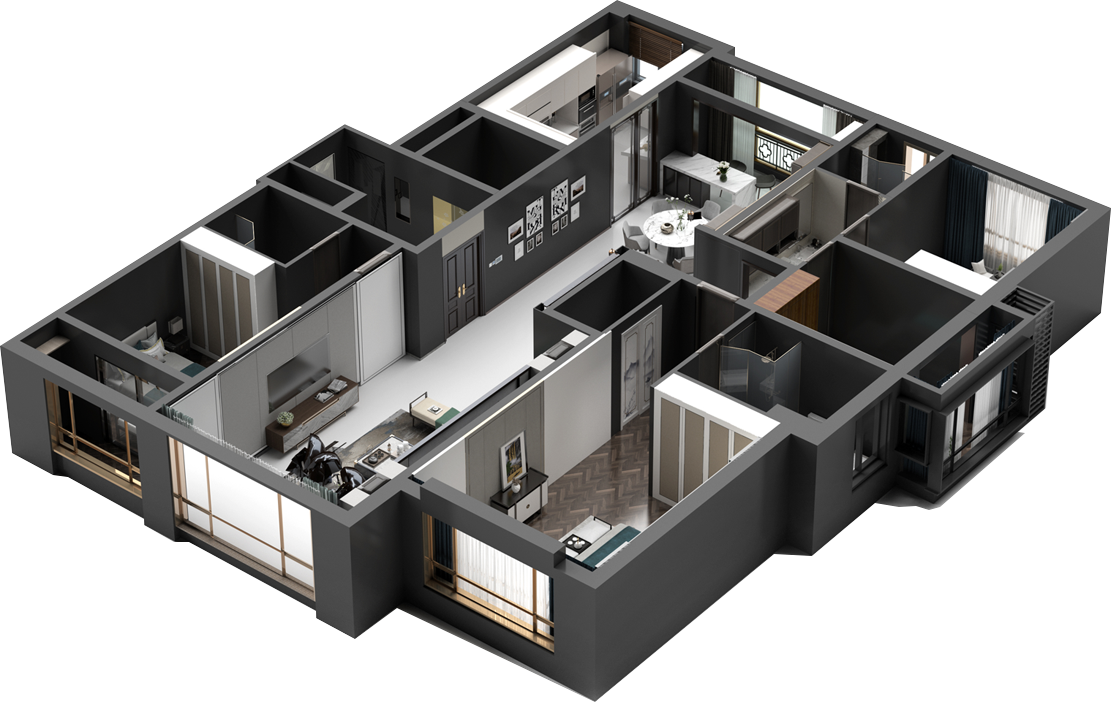
ULink's platform materials describe room status, device monitoring and energy information. Define the information and permissions each team needs.
Room types, electrical drawings, controlled loads, HVAC details, preferred controls, operating workflows and project stage. The hardware, languages, system interfaces and installation responsibilities are confirmed for that project.
Share the room types and electrical plan. We can organise a project brief around the controls, interfaces and operating priorities.
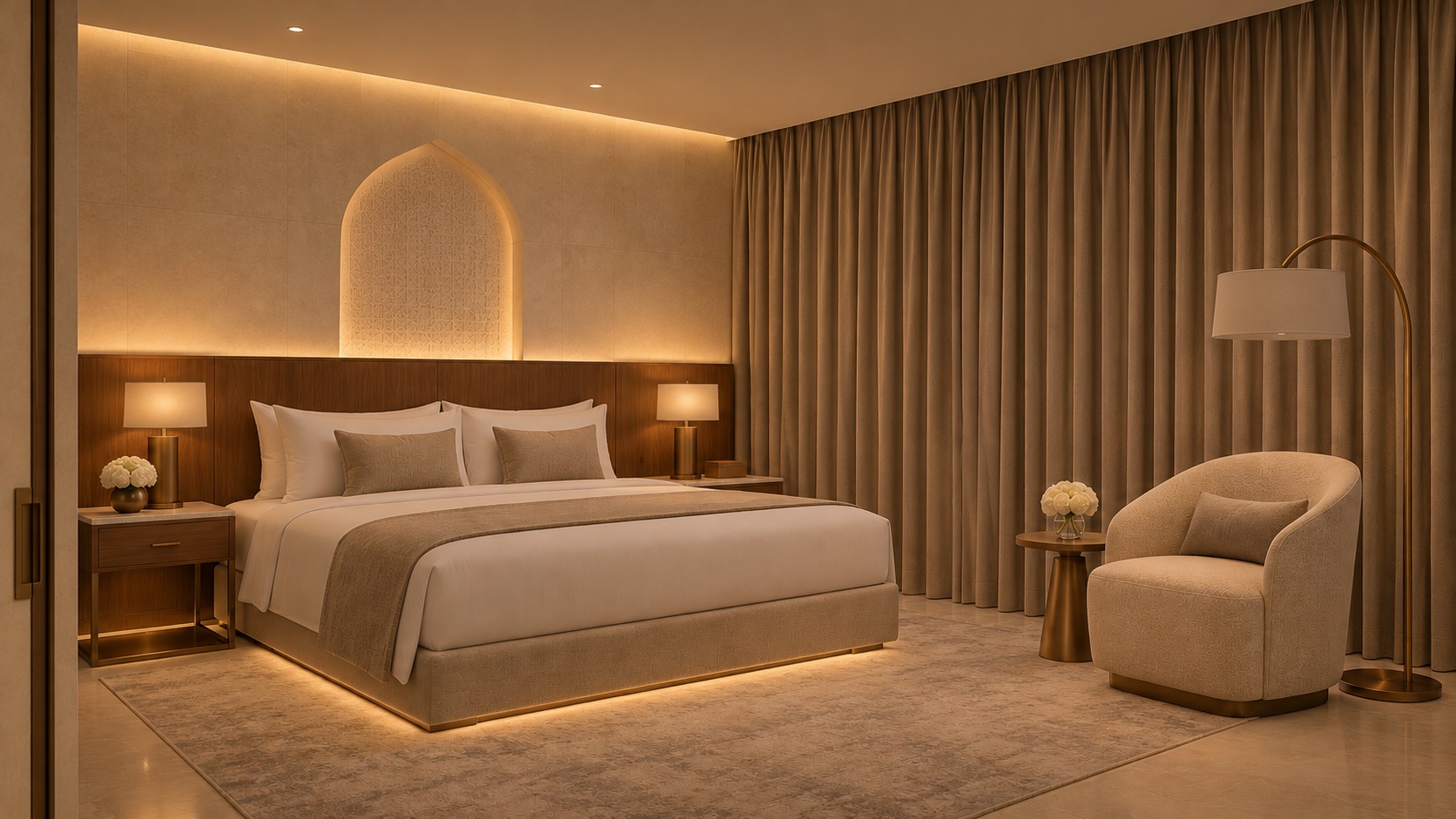
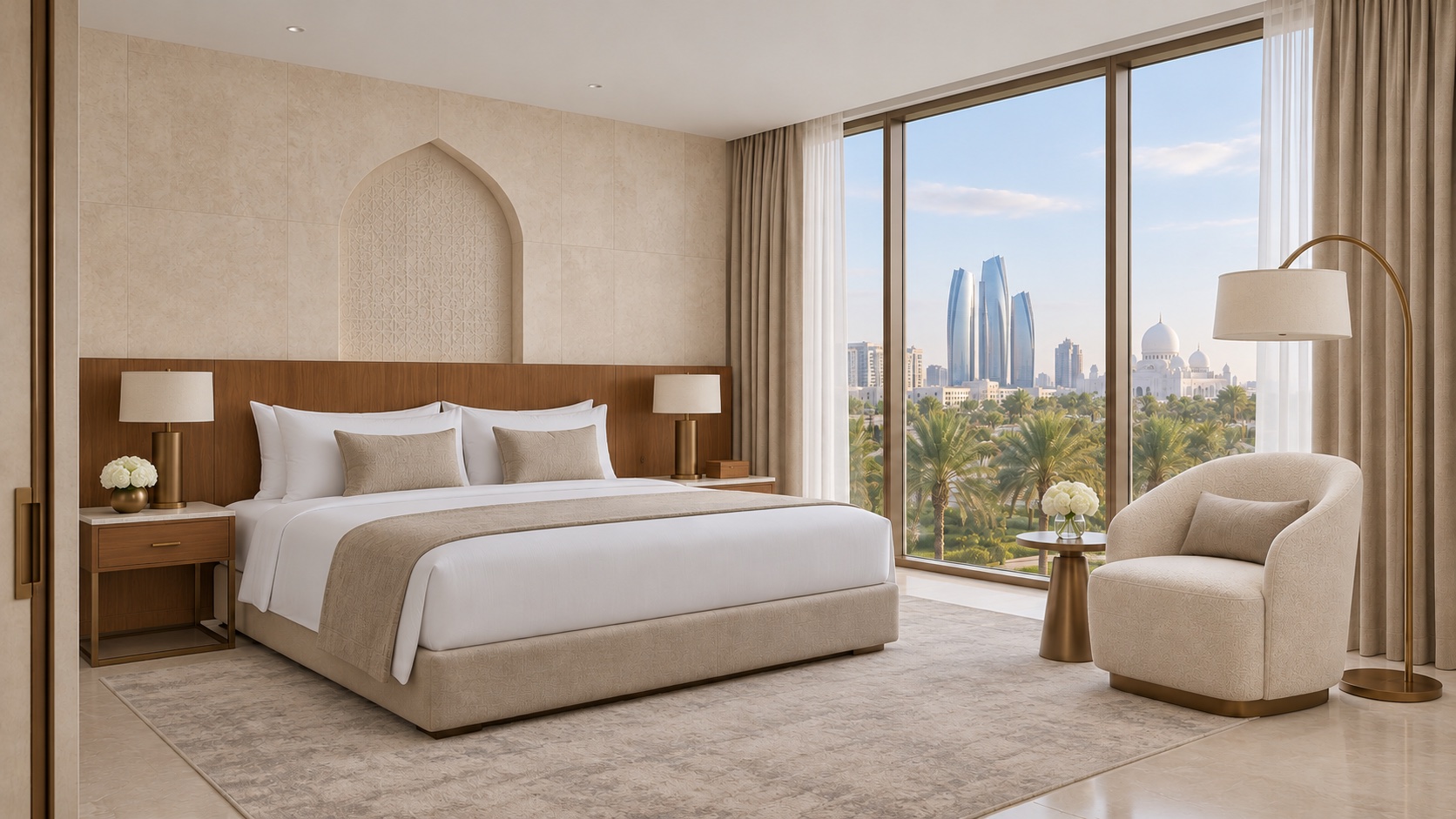
Image notes: AI room concept · scene illustration; ULink solution illustration · not an HAOVEX installation; English interface illustration based on the manufacturer image; Illustrative scene planning. Actions depend on the selected devices and room logic.